Large Model Visualization
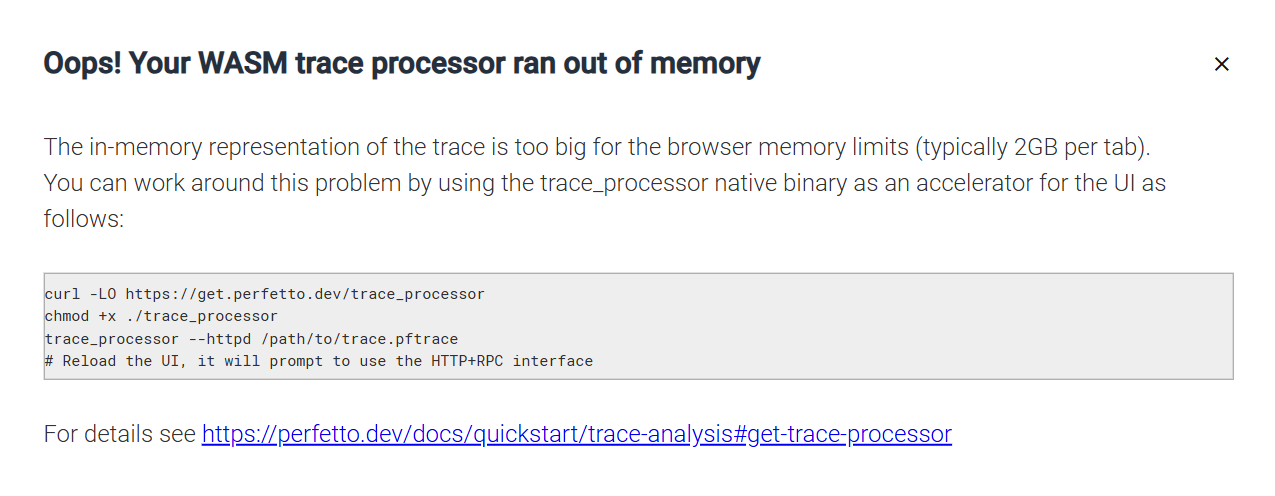
For large neural network models, the profiling data can become very large. The official Perfetto UI limits memory usage to 2GB (this limit applies to memory, not to the size of the Protocol Buffer file generated by profiling). To work with such large models and logs, this section provides instructions on how to host Perfetto locally, allowing you to visualize and analyze profiling results on your own server.
For more detailed information on how to handle large traces, refer to the official Perfetto documentation.
1. Download and Execute Trace Processor
Perfetto’s GitHub repository provides an executable file that allows you to host a server and load trace files into local memory. Below is the method to execute trace_processor_shell.exe on Windows or trace_processor on macOS and Linux. When you execute the files, the default port number is 9001.
-
On Windows (PowerShell)
-
On macOS and Linux (bash)
2. Go to Viewer
Note
This step may not function correctly on the Safari browser on macOS. For optimal performance, it is recommended to use the Chrome browser.
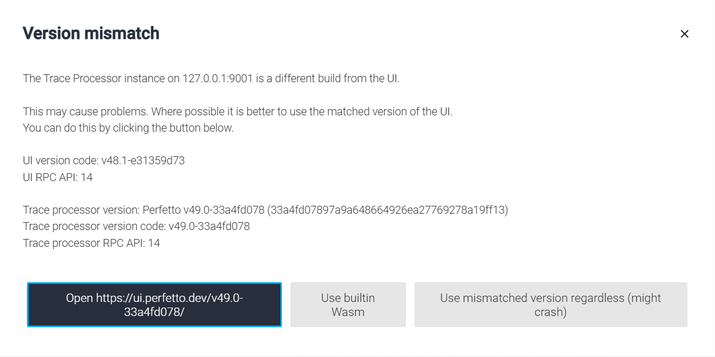
- The Perfetto UI detects a version mismatch with the local trace processor. Click
Open https://ui.perfetto.dev/v49.0-33a4fd078/to access the locally hosted trace processor.
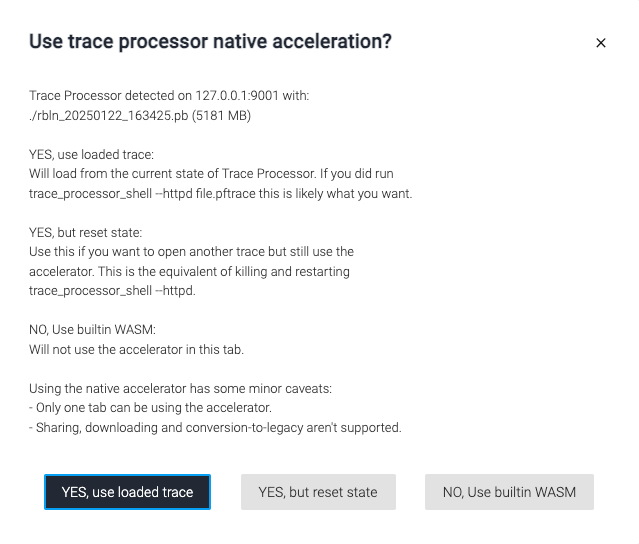
- Select "YES, use loaded trace" to visualize the Protocol Buffer file generated by profiling your model.
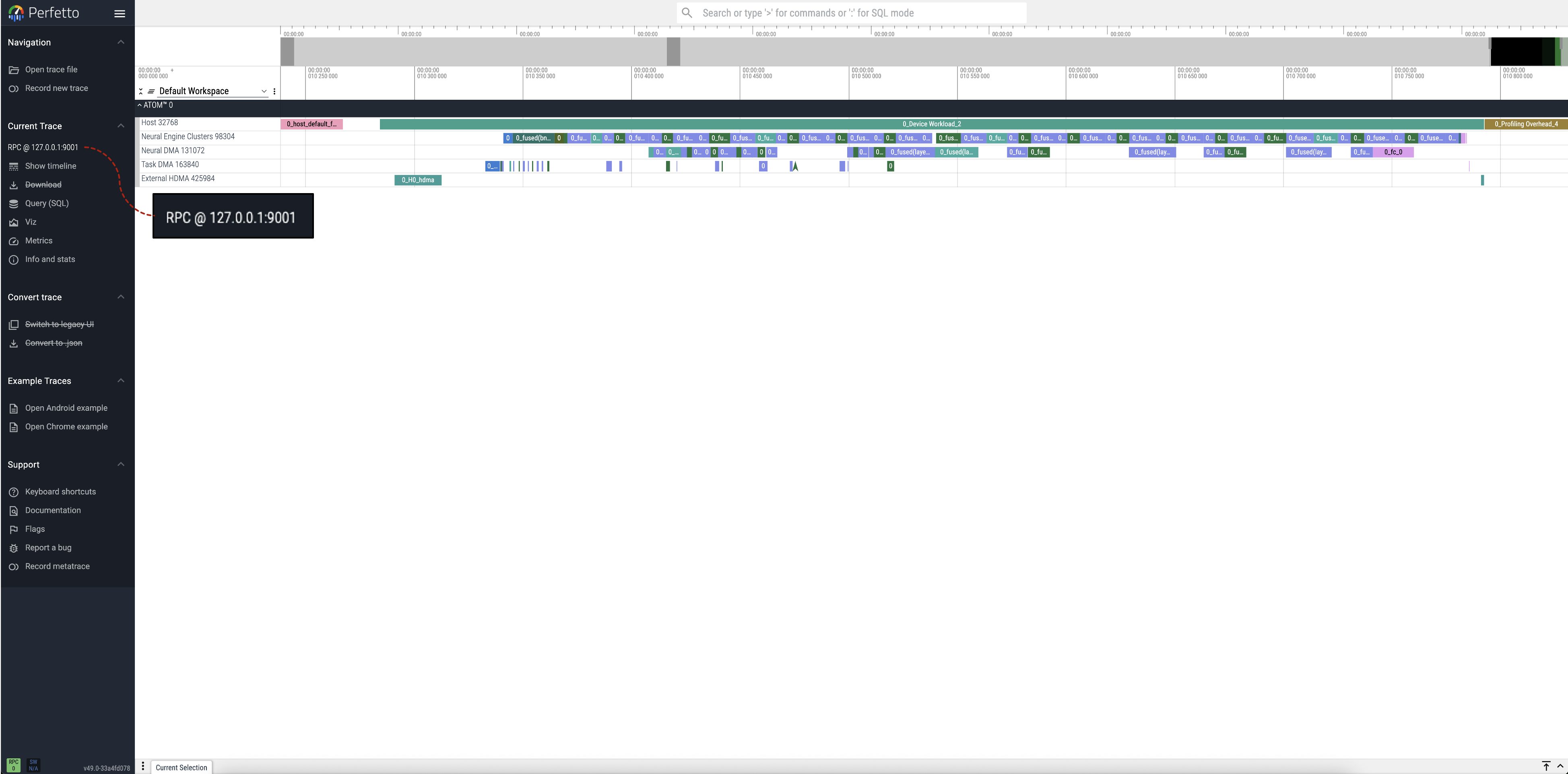
3. Final View
The display "RPC@127.0.0.1:9001" or “rbln_xxxx.pb (file 1)” on the left confirms that the trace from the local trace processor is visualized successfully.