RBLN SDK for AI Engineers
Overview
RBLN SDK provides software tools to compile, run, and serve deep learning models on Rebel100™. RBLN vLLM is recommended for compilation and serving. Depending on whether its model_impl is set to vllm or transformers (RBLN Optimum), RBLN vLLM uses different SDK components, as shown below. Both paths use RBLN Compiler for compilation.
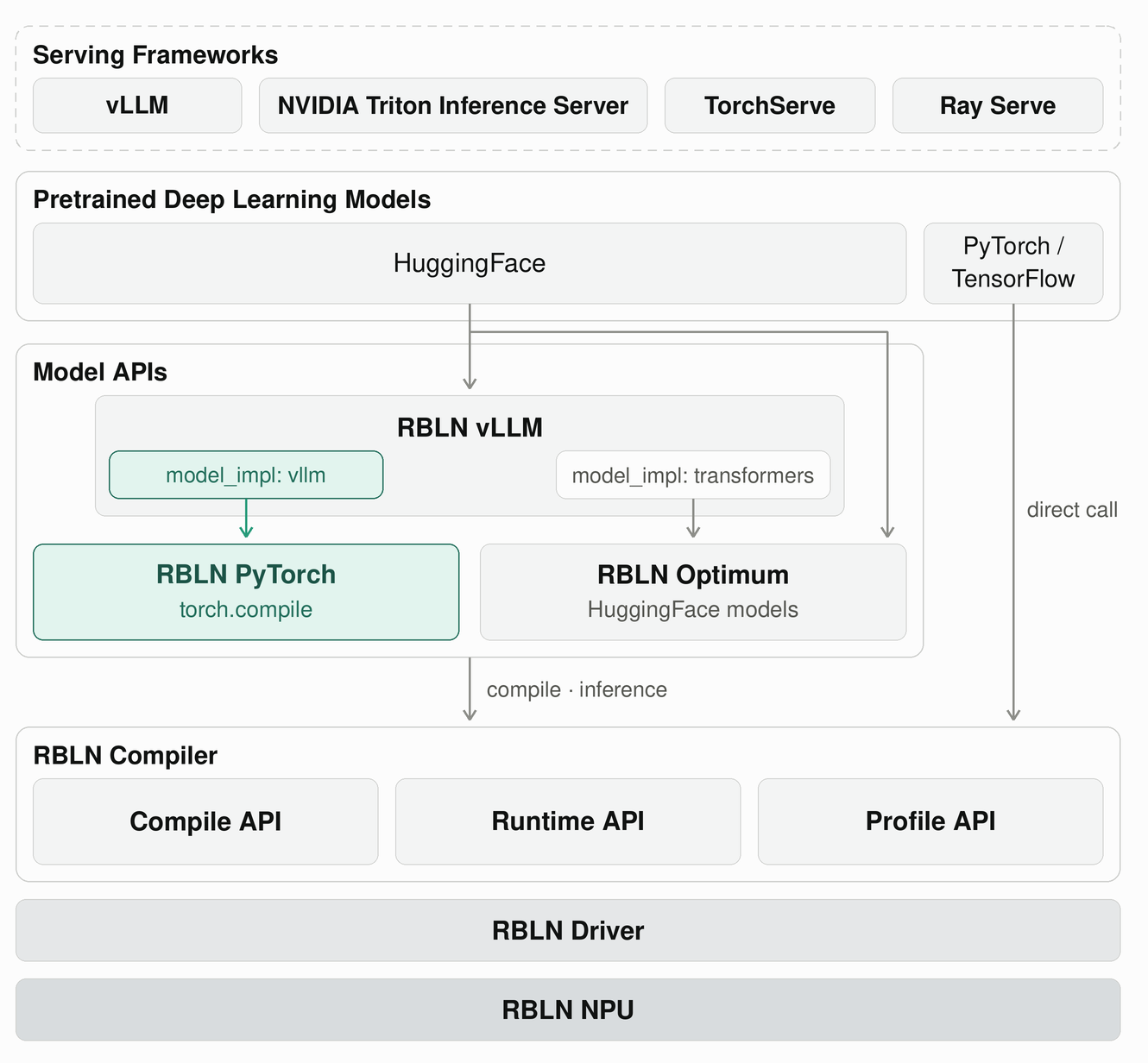
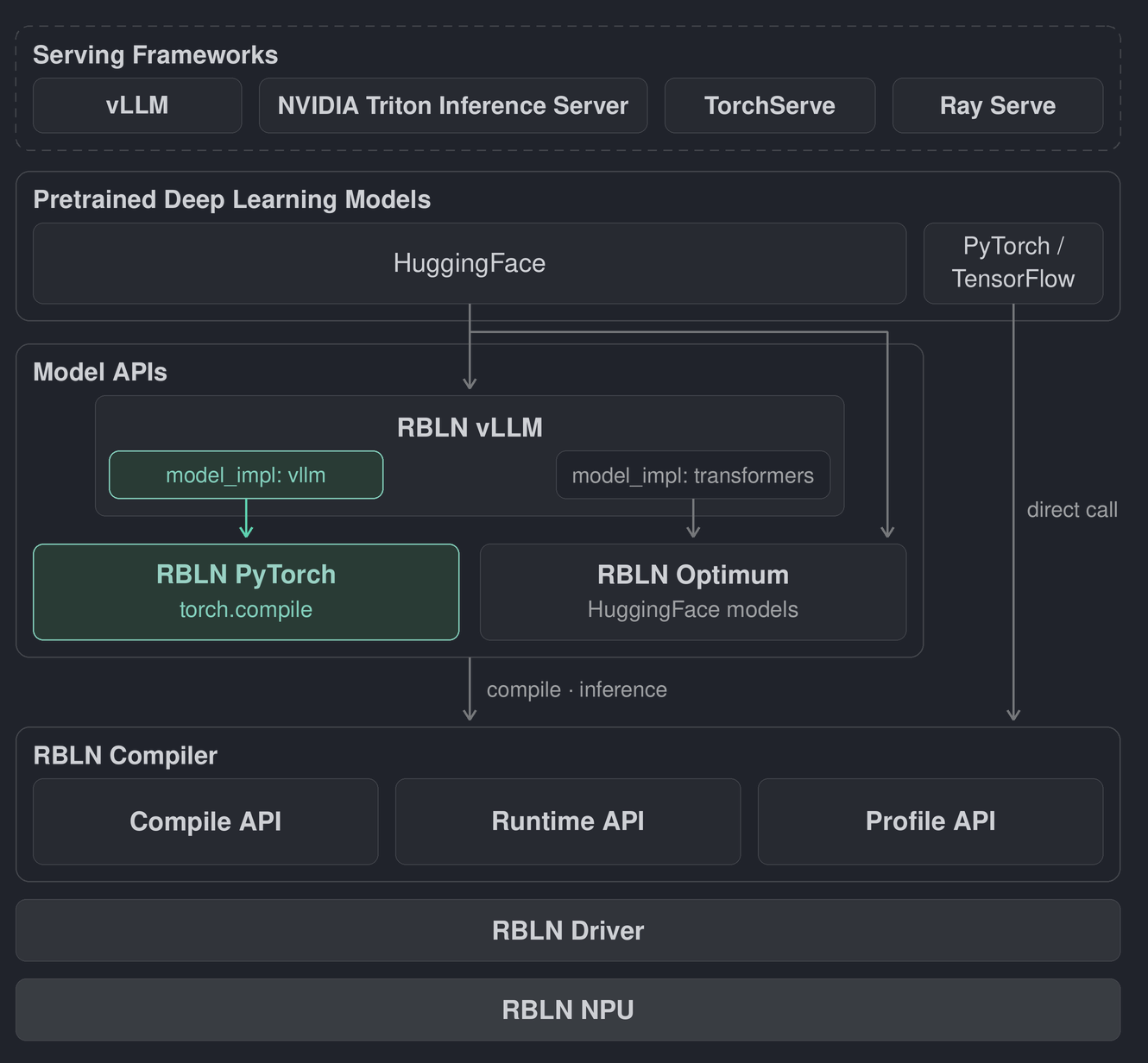
RBLN vLLM runs an OpenAI-compatible inference server with vllm serve. When model_impl is vllm, model code comes from vLLM's own model definitions; when it is transformers, model code comes from optimum-rbln. The vllm implementation compiles the model through torch.compile at engine startup, with RBLN PyTorch enabling PyTorch tensors to reside on the RBLN NPU. See the Rebel100™ model recipes for verified setup and serving examples.
RBLN Optimum provides classes and pipelines for using supported HuggingFace transformers and diffusers models in your application. In addition to direct use in applications, supported models can be served through RBLN vLLM’s transformers implementation.
RBLN Compiler provides the compilation and runtime capabilities used by the model APIs. The "direct call" path in the diagram represents using these APIs without going through RBLN vLLM or RBLN Optimum: compile a PyTorch or TensorFlow model with the Compile API, then run the compiled model with the Runtime API through Python or C/C++.
RBLN Profiler helps analyze execution time and memory usage to identify performance bottlenecks.
Precompiled RBLN models can also be served with NVIDIA Triton Inference Server, TorchServe, or Ray Serve.
- If you are new to the RBLN SDK, follow the Quick Start to run your first model.
- See the model recipes for model-specific serving instructions.
- For NPU allocation and infrastructure management, see the For System Administrators guide.
RBLN SDK provides software tools to compile, run, and serve deep learning models on ATOM™. RBLN vLLM uses RBLN Optimum APIs to compile and serve models, with RBLN Compiler performing the final compilation.
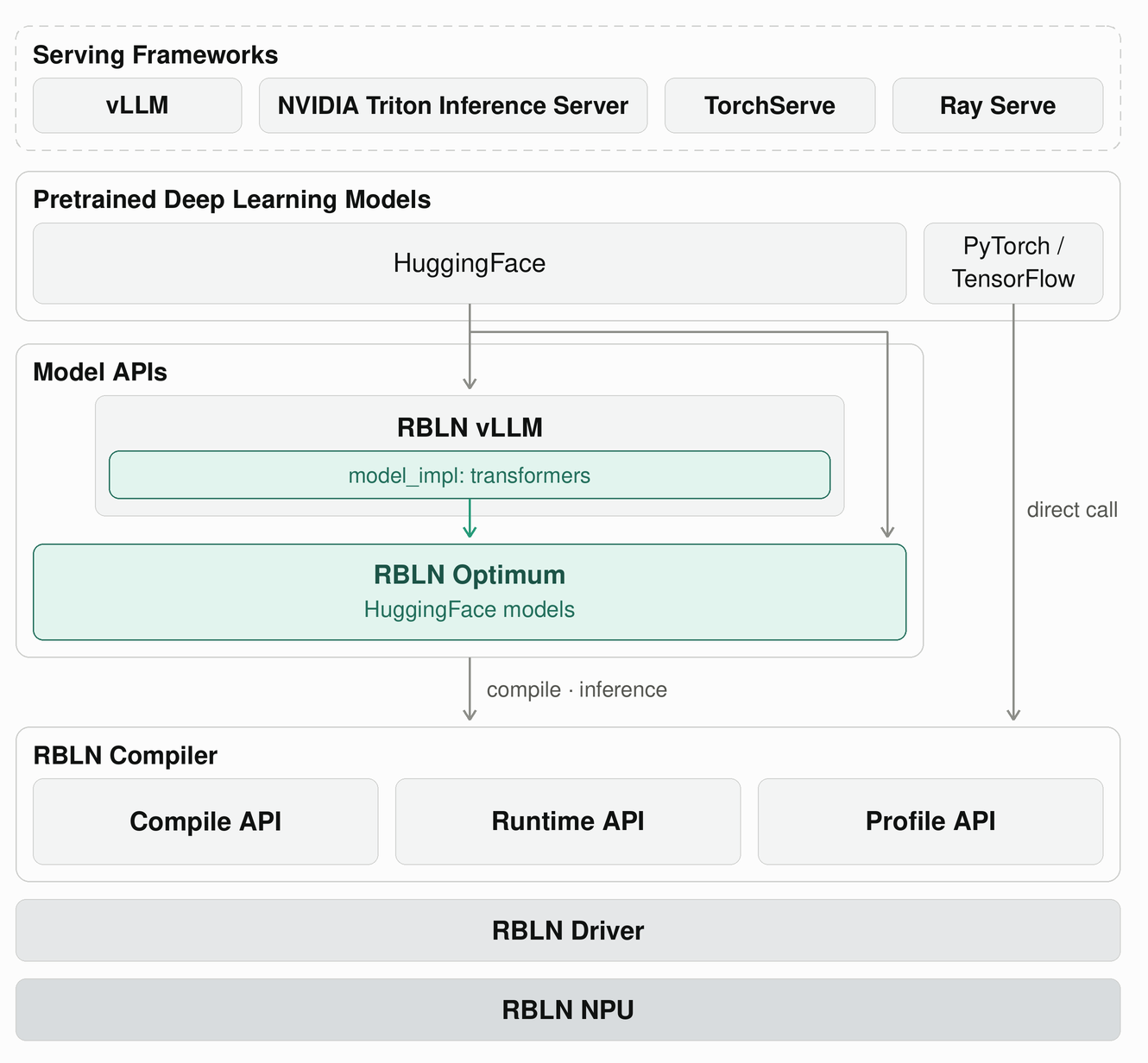
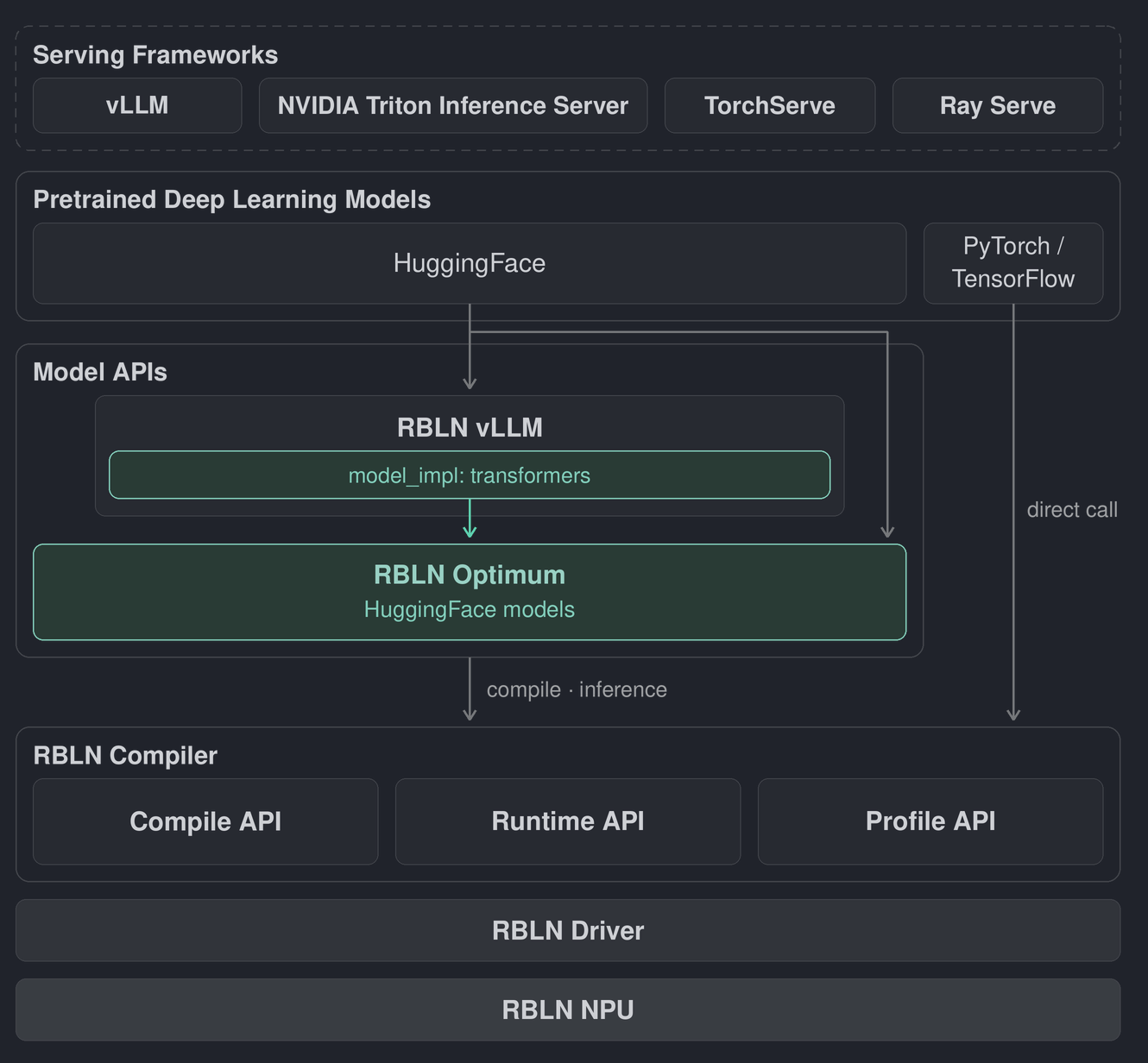
RBLN vLLM runs an OpenAI-compatible inference server with vllm serve. You can serve a model in two ways. Pass its HuggingFace model ID directly to vllm serve, and RBLN vLLM calls RBLN Optimum APIs internally to compile the model. Alternatively, compile and save the model yourself using RBLN Optimum APIs, then pass the saved model directory to vllm serve to load it. See the ATOM™ model recipes for verified setup and serving examples.
RBLN Optimum provides classes and pipelines for supported HuggingFace transformers and diffusers models. It handles compilation and inference for application use. You can save compiled models and load them again for deployment.
RBLN Optimum uses RBLN Compiler for compilation and inference on ATOM™. The "direct call" path in the diagram represents using these APIs without going through RBLN vLLM or RBLN Optimum: compile a PyTorch or TensorFlow model with the Compile API, then run the compiled model with the Runtime API through Python or C/C++.
RBLN Profiler helps analyze execution time and memory usage to identify performance bottlenecks.
Precompiled RBLN models can also be served with NVIDIA Triton Inference Server, TorchServe, or Ray Serve.
- If you are new to the RBLN SDK, follow the Quick Start to run your first model.
- See the model recipes for model-specific serving instructions.
- For NPU allocation and infrastructure management, see the For System Administrators guide.
Get Started
For quick access to the RBLN SDK user guide, refer to the following links. If you have any questions or feedback, please contact us.
-
 RBLN Compiler
 -
 RBLN C/C++ Runtime API
 -
 RBLN Optimum (HuggingFace Model Support)
- Overview
- Installation
- Tutorials
- Troubleshoot
- Model API
- Main Class
- Auto Classes
- Transformers
- Diffusers
- Main Class
-
 RBLN vLLM
- RBLN vLLM Overview
- Recipes
- Feature Matrix
- Features
- Configuration Guide
- Troubleshoot
- Reference Design
-
 Model Serving (NVIDIA Triton Inference Server)
 -
 Model Serving (TorchServe)
 -
 Model Serving (Ray Serve)
 -
 RBLN Profiler Introduction
 - RBLN Profiler Tutorials
- Basic
- Examples
- ATOM™
- Rebel100™
- RBLN PyTorch
-
 Miscellaneous
- Supported Models
- Supported Operations
- Error Codes
-
 Supports